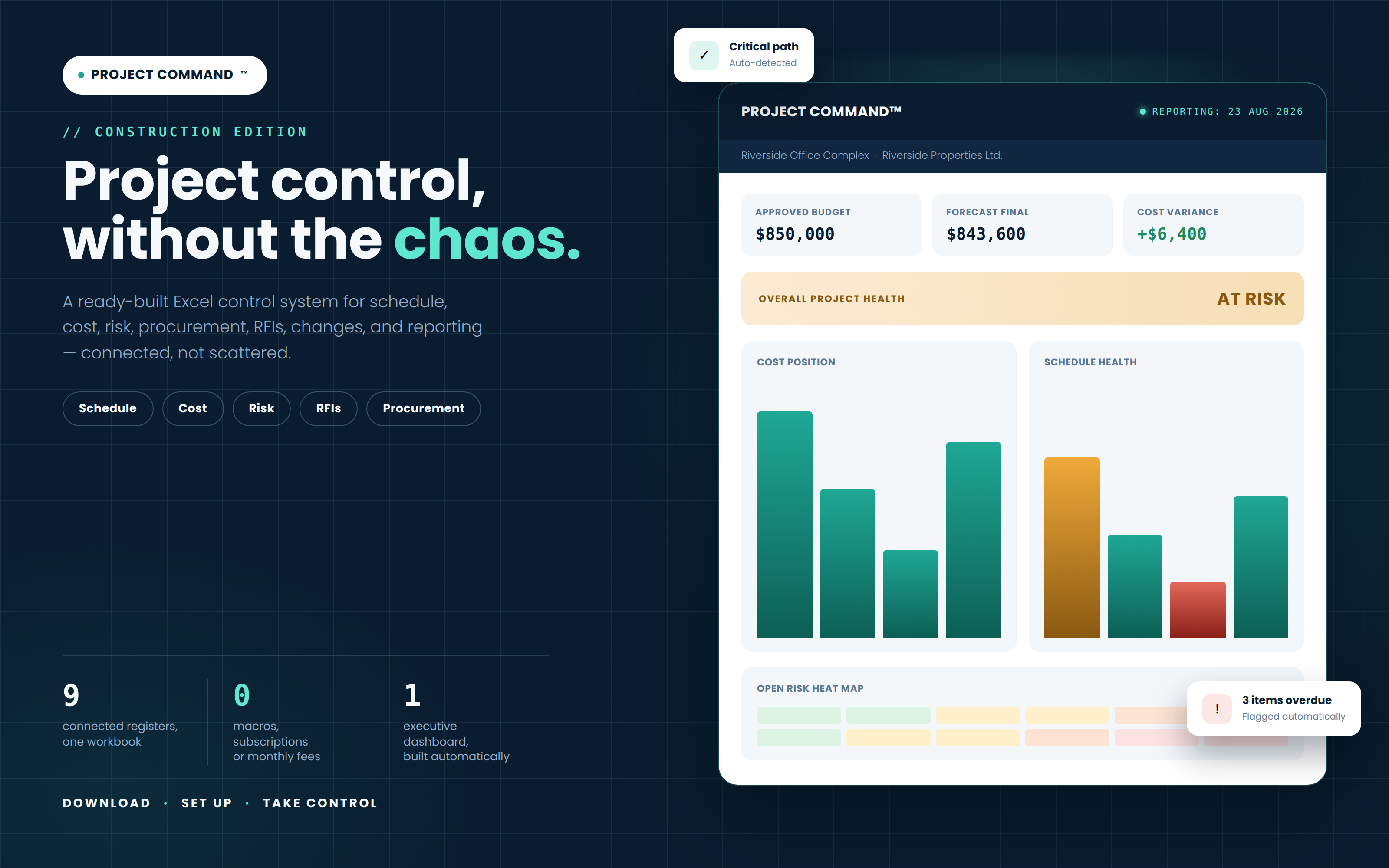
Project Command™ brings your schedule, costs, risks, RFIs, procurement, changes, actions, payments and reporting into one ready-to-use Excel control system.
Set it up. Update your project. Know where you stand.
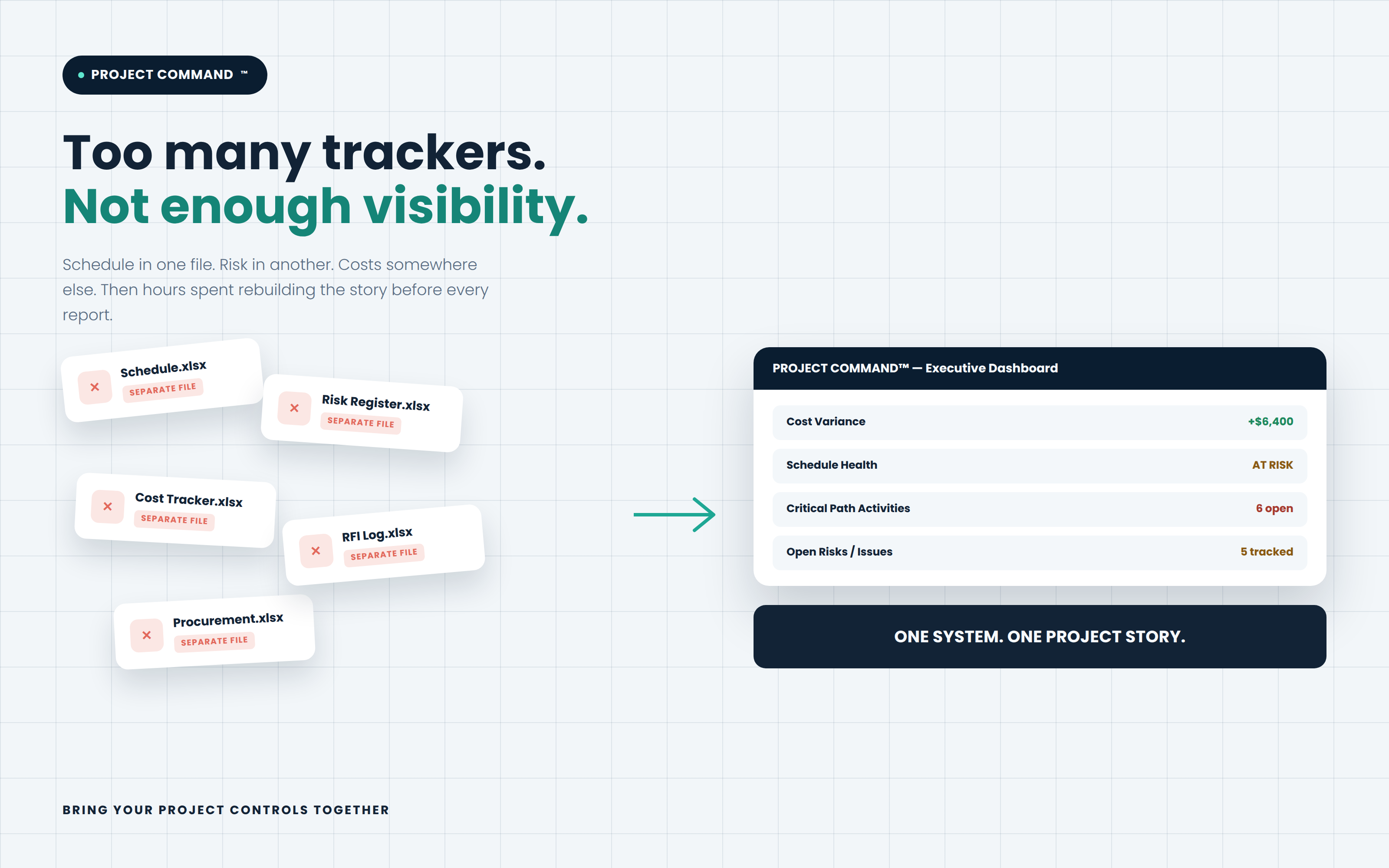
Then, when management asks "where does the project actually stand?" — you have to piece the answer together by hand.
Project Command was built to change that.
Project Command™ is a ready-built construction project control system — a structured way to plan, monitor and report your projects, without building the system yourself first.
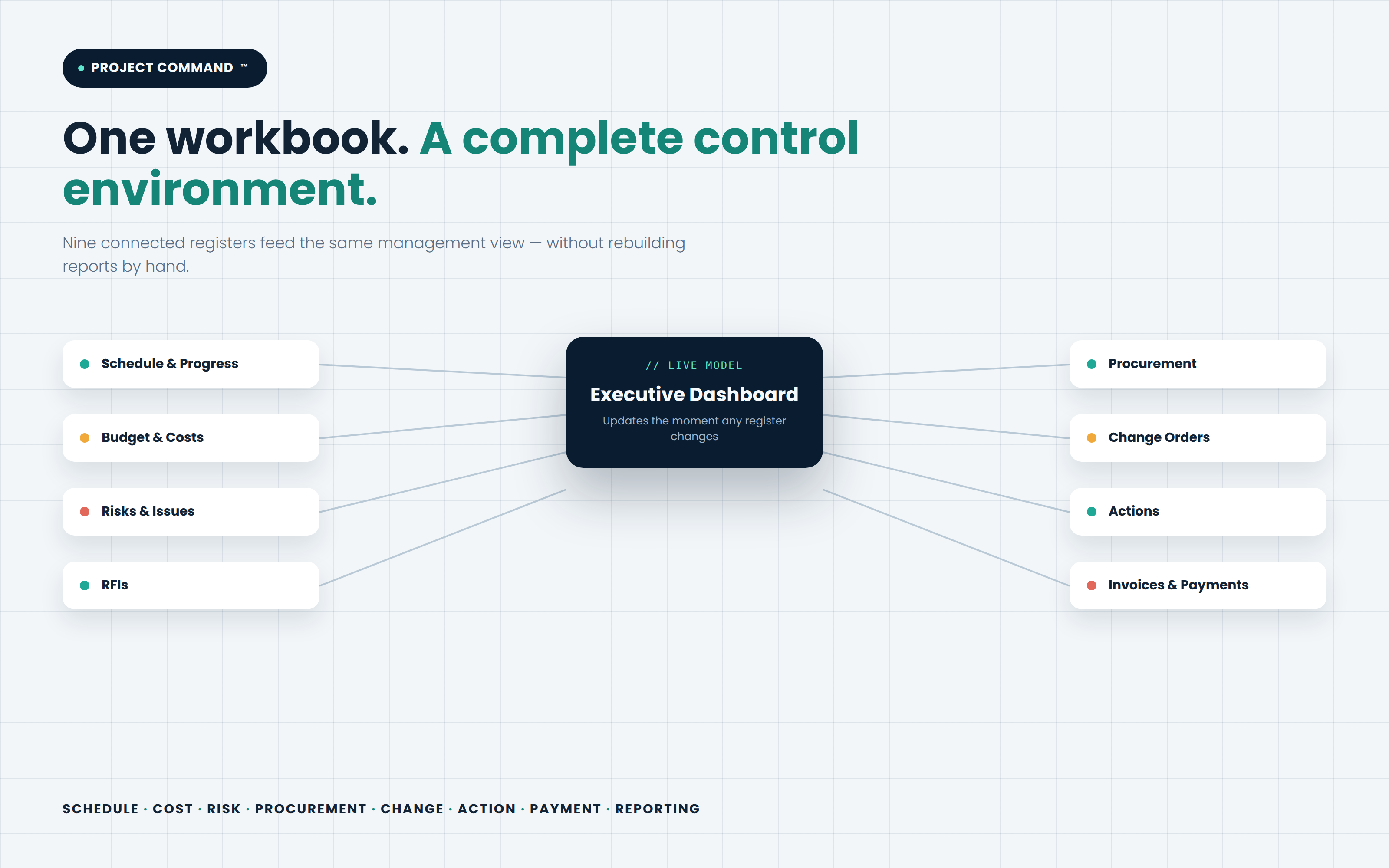
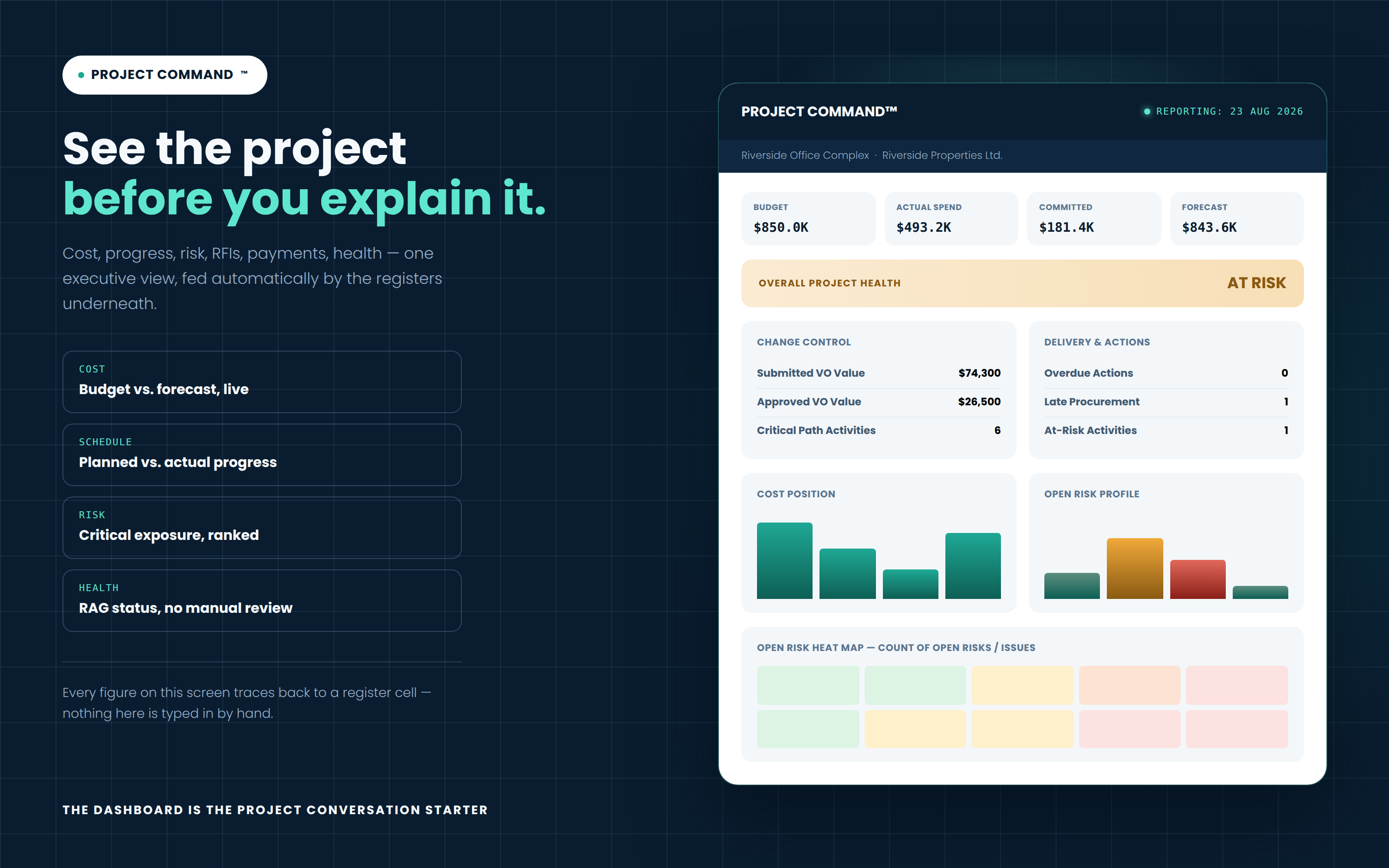
Your project data feeds one executive dashboard that brings every signal together, automatically:
This dashboard is one of the strongest reasons Project Command isn't just another downloadable Excel template.
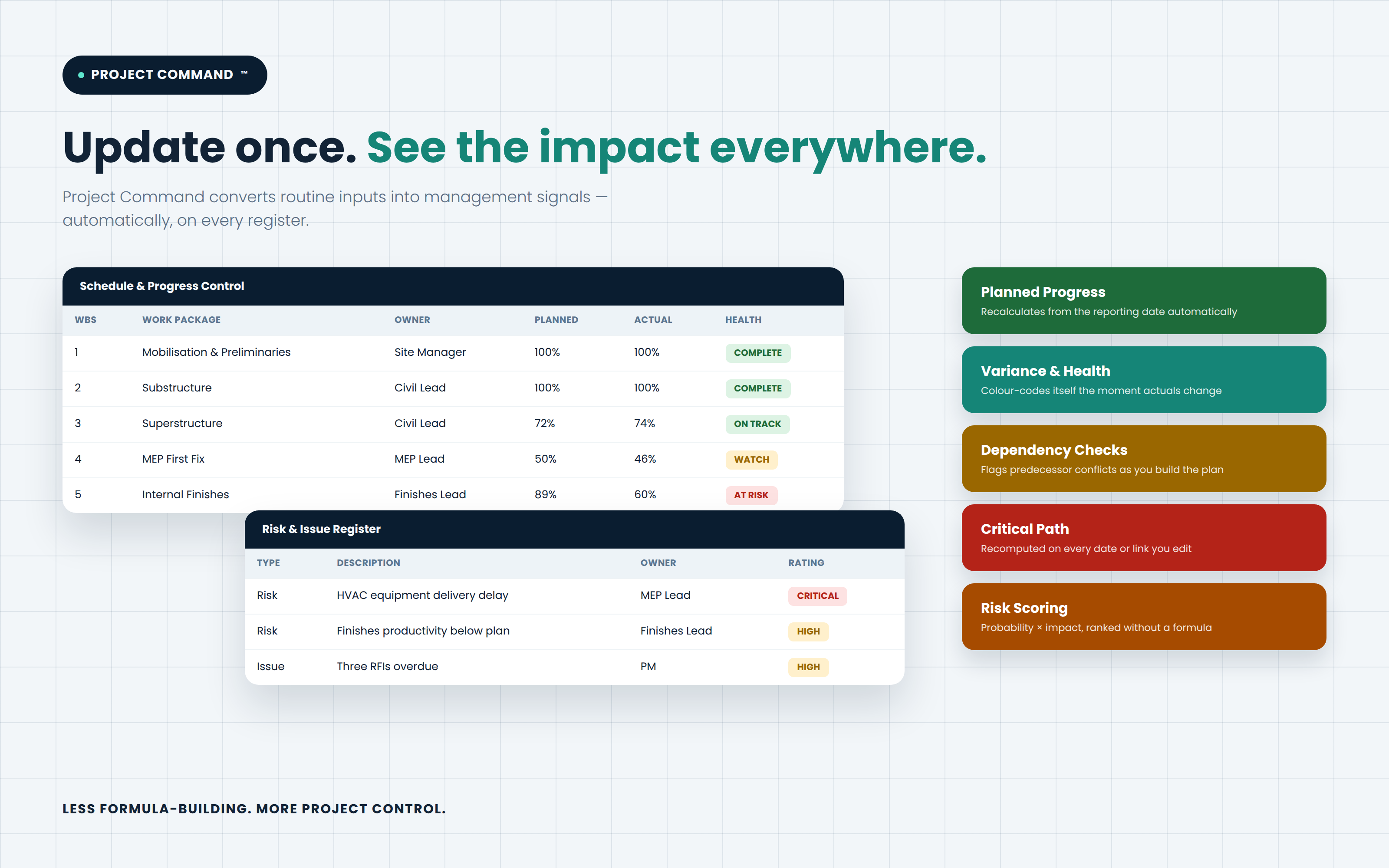
Built-in logic turns routine project updates into real management information — the moment you enter them.
Easy enough for a first project. Useful enough that an experienced PM won't outgrow it.
Structure and confidence — know what to track from day one.
Fewer disconnected trackers, and reporting that doesn't eat your afternoon.
Skip rebuilding project controls you already know how to run.
Project Command wasn't designed as a collection of decorative spreadsheet templates. It's structured around the controls project managers routinely need to manage delivery — schedule, cost, risk, RFIs, procurement, changes, actions, payments, documents and reporting.
Clear inputs. Connected registers. Automated indicators. Management-ready outputs.
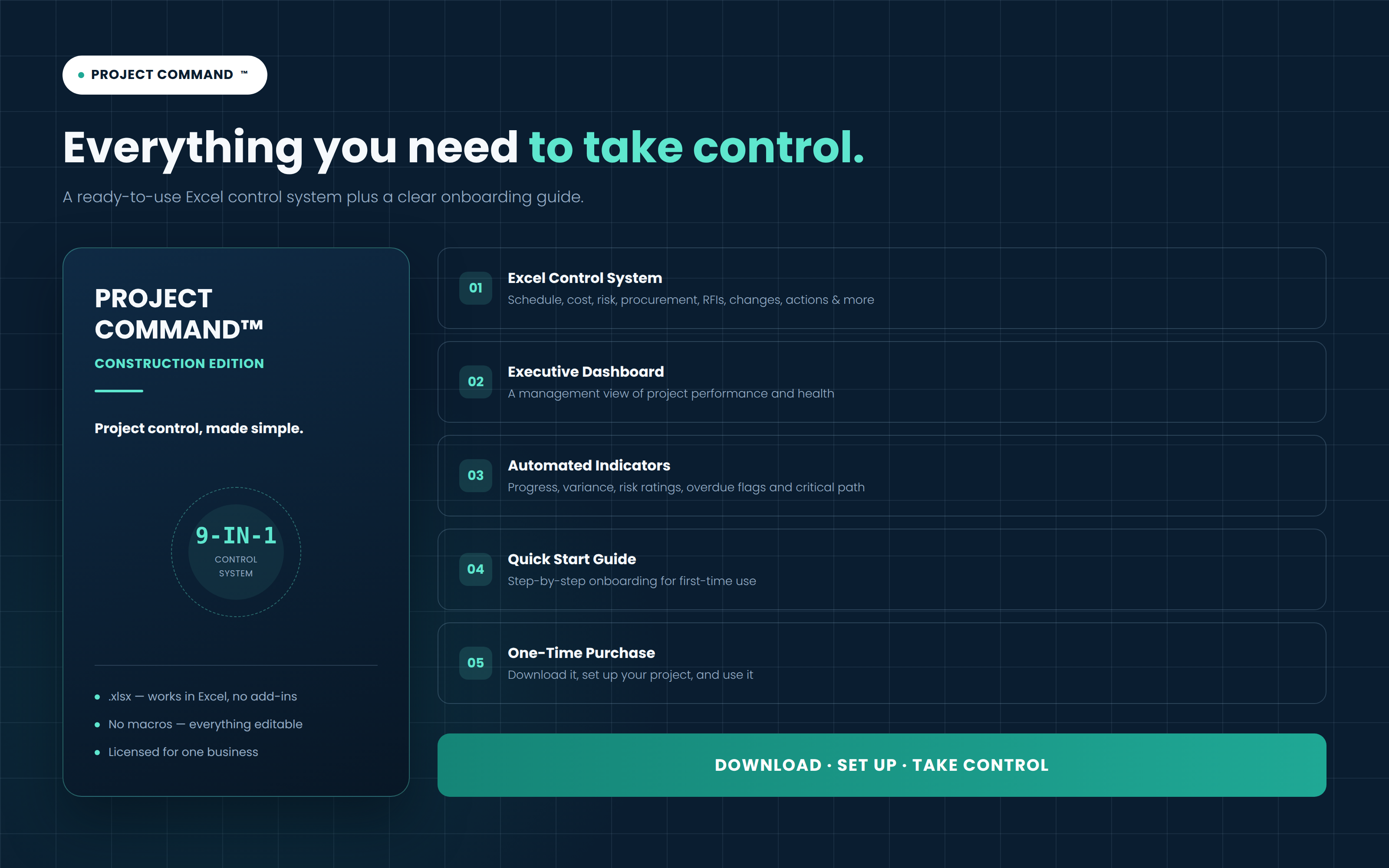
One-time purchase. No subscription.
Introductory launch pricing. Standard price: $39.
No. Project Command was designed so the PM enters project information into clearly identified input areas, while the workbook handles the underlying calculations.
No. Project Command is a practical project-control and reporting system rather than specialist enterprise scheduling software. It's particularly useful where a PM needs one accessible environment for managing the broader project controls.
Yes — every register is built to extend as your project grows.
Yes, within the practical capacity of an Excel-based system.
Many calculations, health indicators, risk ratings, overdue indicators and dashboard metrics update automatically from the underlying project registers as you enter data.
Project Command is designed for use with Microsoft Excel. For best results, use the desktop version of Excel. Compatibility with other spreadsheet applications is not guaranteed.
No. It's a one-time digital purchase.
Yes. Your purchase includes the Project Command™ START HERE Quick Start Guide, a step-by-step PDF that walks you through setting up and using the system.
Download Project Command™, plug in your project, and know exactly where you stand — today.
Introductory launch pricing. Standard price: $39.